Analytics
The Analytics Dashboard builds sales-oriented views from your order data.
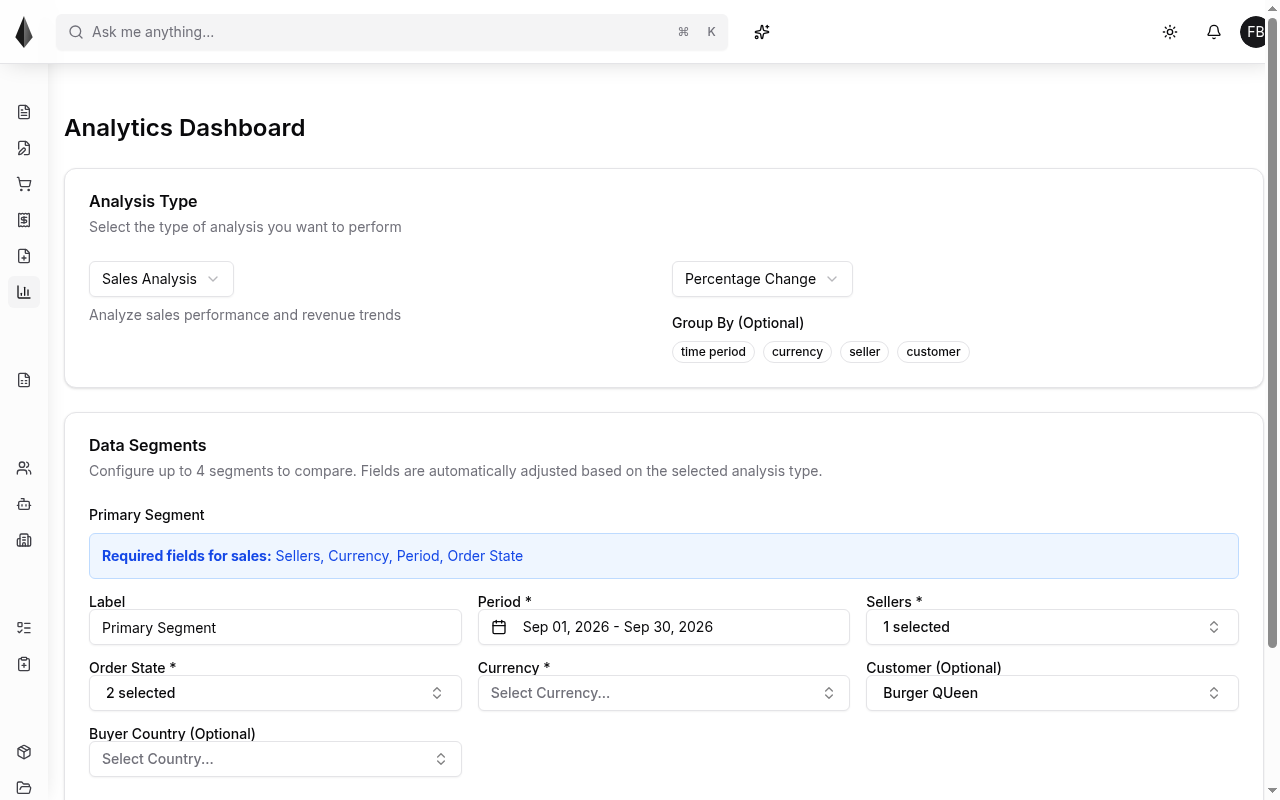
Typical configuration:
- Choose an analysis type (for example Sales Analysis)
- Choose a comparison mode (for example Percentage Change)
- Optionally group by time period, currency, seller, or customer
- Configure up to four segments (label, period, sellers, order state, currency, and optional customer / buyer country)
Required fields for sales analysis are called out in the product (sellers, currency, period, order state). Adjust segments to compare the slices you care about, then run the analysis from the dashboard controls.